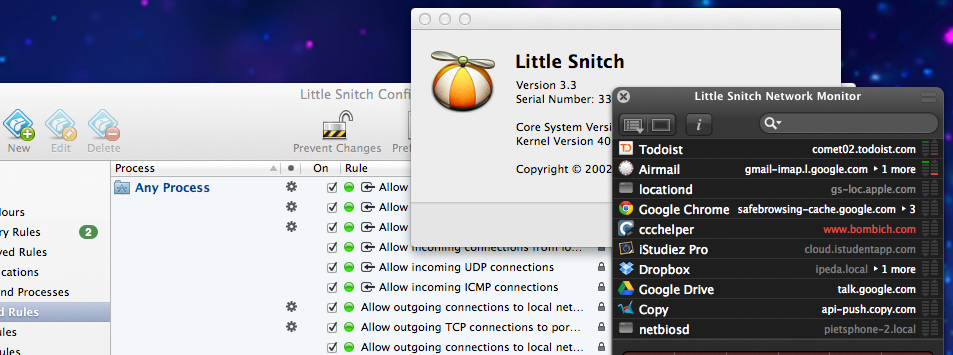
If I had to describe Little Snitch in one word I'd probably call it a firewall. But on the other hand the software made by the Vienna company Objective Development is so much more. And even more so with the recently released version 3.0.
If I had to describe Little Snitch in one word I'd probably call it a firewall. But on the other hand the software made by the Vienna company Objective Development is so much more. And even more so with the recently released version 3.0.
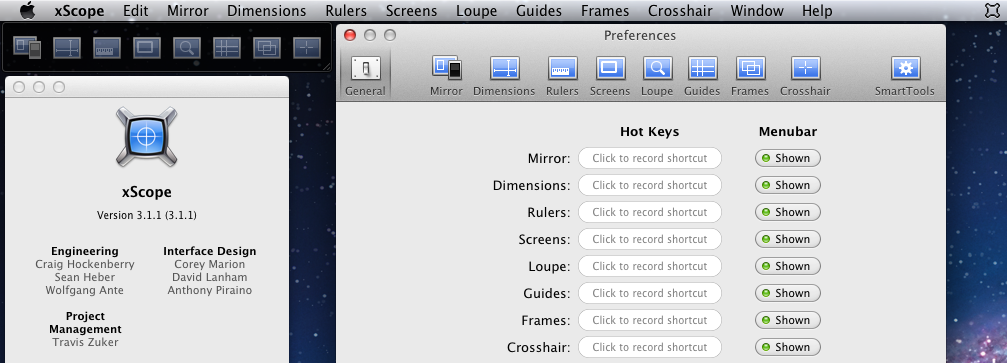
I recently launched my latest project (Bim Bim for that matter). One of the things I focused on was design. I wanted to make the App really good looking. And for that I used some tools, one of them being xScope from the iconfactory. Here are some thoughts about this app...
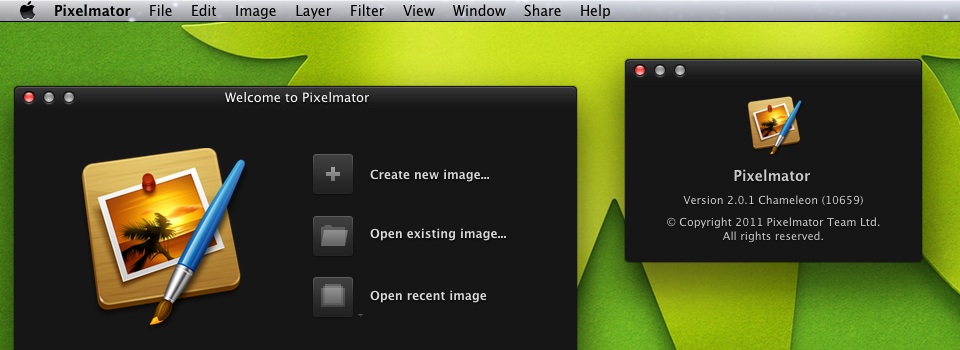
If you think of photo-editing, you probably think of Adobe Photoshop. It's the software that's probably used the widest. But sadly this doesn't mean it's the best out there. At least for the Mac there is a good alternative available: Pixelmator from the Pixelmator Team. One of the biggest disadvantages of (nearly) all Adobe Products is their custom built User Interface. I don't like it. That interface may work on windows, but it most certainly doesn't on the Mac. That's why I love Pixelmator. Pixelmator was specifically designed and developed for the Mac. But let's look into some of those features, shall we?
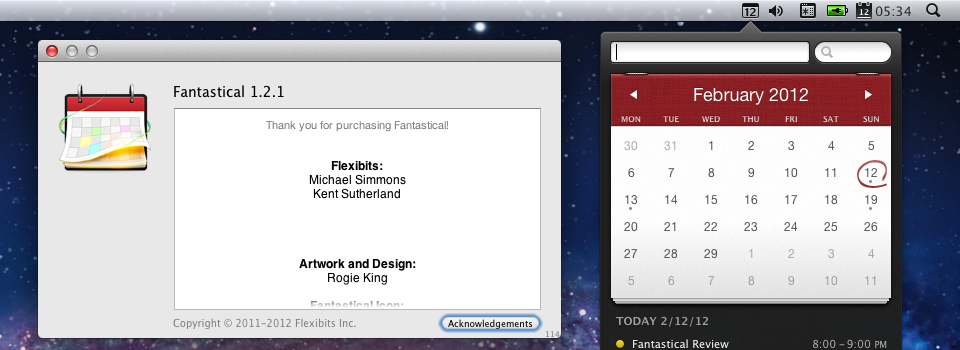
Lately I've realized how important my calendar is for me. And how badly Apple did screw up iCal. No offense, but iCal on the Mac is just nothing for me. I want my calendar to be always there when I need it, and to use as less space as possible. And I want the main things I do with my calendar, creating and editing of events, to be simple. This is where I came across Fantastical from Flexibits.
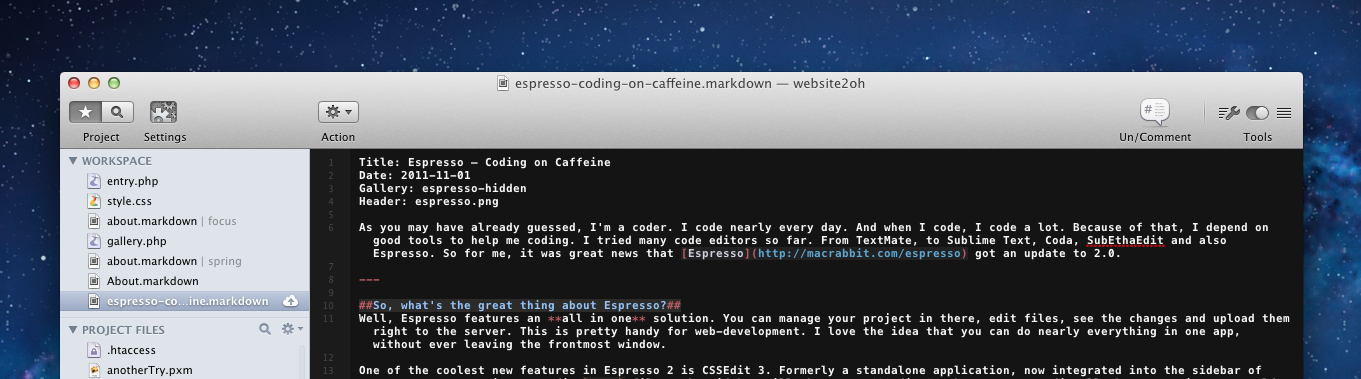
As you may have already guessed, I'm a coder. I code nearly every day. And when I code, I code a lot. Because of that, I depend on good tools to help me coding. I tried many code editors so far. From TextMate, to Sublime Text, Coda, SubEthaEdit and also Espresso. So for me, it was great news that Espresso got an update to 2.0.